
Create a Prism Launcher instance for the exact Minecraft Java version, select Fabric as its loader, then add the matching Wurst Client JAR and Fabric API JAR in that instance's mods folder. For Minecraft 26.2, the checked pairing is Wurst 7.54.1 with Fabric API 0.157.0+26.2. Launch the same instance and test locally before joining a server. There is no separate Prism Wurst download.
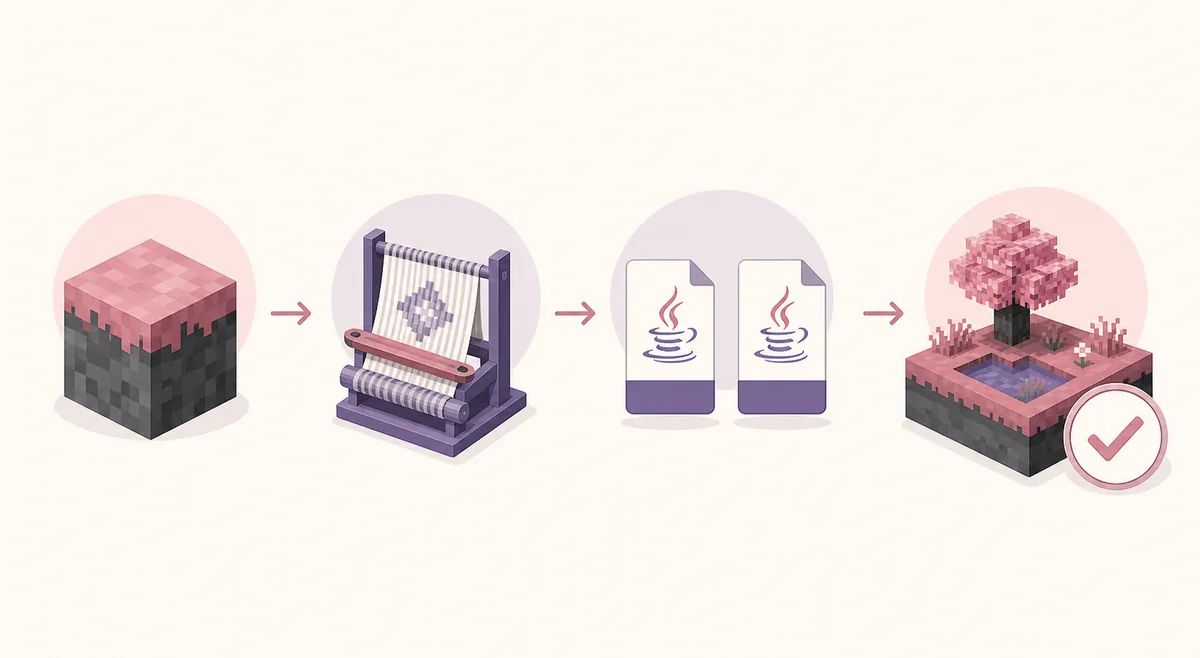
Check the Minecraft, Wurst and Fabric API versions first
Prism Launcher treats each instance as its own Minecraft environment. Before adding a file, open the instance settings and write down the exact Minecraft version and loader. The Minecraft suffix in the Wurst filename must match that instance; Wurst 7.54.1 is the release number, not a replacement for the game version.
The latest stable Wurst-MCX2 release checked for this guide is Wurst 7.54.1, published August 4, 2026. Use the first-party release or this site's version directory to select the normal JAR. Do not use a -sources.jar, a snapshot when you need a stable profile, or a file renamed to look compatible.
| Minecraft | Wurst file | Fabric API |
|---|---|---|
| 26.2 | Wurst 7.54.1 MC26.2 | 0.157.0+26.2 |
| 1.21.11 / 25.4 | Wurst 7.54.1 MC1.21.11 | 0.141.5+1.21.11 |
| 1.21.10 / 25.3 | Wurst 7.53 MC1.21.10 | Use the API listed for that target |
Create a clean Prism Launcher Fabric instance
In Prism Launcher, choose Add Instance, select the Minecraft version that matches the Wurst file, and give the profile a clear name such as Wurst 26.2 test. A separate instance keeps Wurst files away from an important modpack and makes a failed launch easier to reproduce.
Open the instance's version or loader settings and install Fabric for that same Minecraft target. Prism may offer a loader selection during instance creation or through the Edit Instance window. The exact button labels can change, but the required result is a Fabric profile, not Forge or NeoForge.
- Click Add Instance and select the exact Minecraft Java version.
- Name the profile so its game version is easy to recognize.
- Open Edit Instance, choose the Version or loader settings, and add Fabric.
- Confirm that the instance starts with the selected Fabric loader before adding extra mods.
Add Wurst Client and Fabric API to the Prism instance
Select the instance in Prism and use its Mods tab or View Folder control. The folder opened from the instance is the source of truth; do not assume that the global .minecraft/mods directory belongs to this profile. Prism often stores each instance in a separate location.
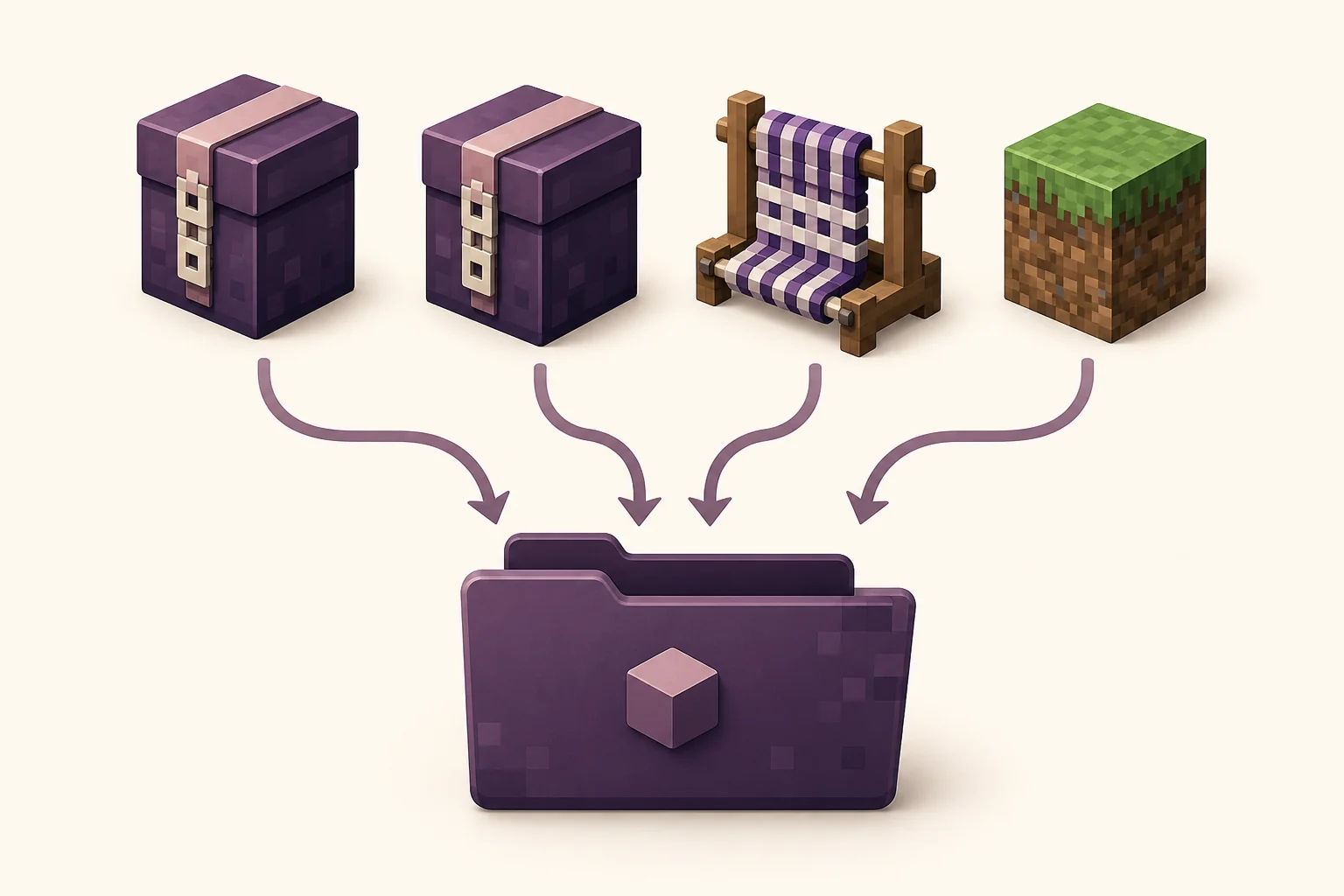
Copy the matching Wurst Client JAR and Fabric API JAR into the active instance's mods folder. For Minecraft 26.2, the Wurst filename is Wurst-Client-v7.54.1-MC26.2.jar. Keep the two files for the same target, remove duplicates and leave source archives outside the folder. Never extract a JAR or turn a downloaded web page into a JAR by renaming it.
- Open the same Prism instance that contains the Fabric loader.
- Use Mods or View Folder to reach that instance's real mods directory.
- Add the matching Wurst Client JAR and Fabric API JAR.
- Remove duplicate, source or wrong-version files before the first test launch.
Launch the same instance and verify that Wurst loaded
Return to Prism Launcher, select the profile you edited and press Launch. Wait for the Minecraft main menu instead of opening a different instance from the standard launcher. Create a temporary single-player world, then check that the Fabric environment and Wurst menu appear. Wurst 7 normally opens Navigator with Right Shift and ClickGUI with Right Ctrl.
If Minecraft opens as vanilla, stop and inspect the selected profile, loader and instance folder. A successful local launch proves only that this combination loaded in this profile. It does not mean a server permits Wurst or that a future Prism update will preserve the same settings.
Troubleshoot Wurst Client on Prism Launcher
Read the first useful line of a crash or dependency message. Most failed Prism installations are caused by a mismatched Minecraft suffix, a missing Fabric API, the wrong instance folder, a Forge profile, or another mod conflict. Test with only Wurst and Fabric API before restoring a larger modpack.
If the profile launches without Wurst, inspect the Mods tab and use View Folder from that exact profile. If the file is present but disabled, enable it. If Prism reports an incompatible mod, replace the file with the version listed for the instance rather than renaming it.
| Symptom | Likely cause | Next check |
|---|---|---|
| Minecraft starts as vanilla | Wrong profile, loader or folder | Launch the edited Fabric instance and reopen its folder |
| Missing Fabric API | Dependency absent or for another target | Add the matching API to the same mods folder |
| Incompatible mod message | Wurst or API targets another Minecraft version | Compare the MC suffix and replace the file |
| Crash after other mods return | Separate mod conflict | Test only Wurst plus Fabric API, then restore one mod at a time |
| Prism cannot import the file | Source archive, HTML download or wrong extension | Download the first-party JAR again and do not extract it |
Use first-party files and follow server rules
Prism Launcher, Fabric and Wurst are separate projects. This guide does not publish a special Prism build, patched launcher or all-in-one package. Download Prism from its own project, Fabric from FabricMC, and Wurst from the Wurst-Imperium release or a verified version page.
Wurst is a hacked client, so a technically working profile may still be prohibited by a multiplayer server. Test in a local world, read the server's rules before connecting, and do not use a launcher-specific setup to evade moderation. Avoid mirrors that ask for a Microsoft password, disable security tools or promise undetectability.
Wurst Client on Prism Launcher FAQ
Is Wurst Client compatible with Prism Launcher?
Yes, when the Prism instance is Minecraft Java Edition with a compatible Fabric loader and the matching Wurst and Fabric API JARs. Prism does not require a separate Wurst package.
How do I install Wurst on Prism Launcher?
Create an instance for the exact Minecraft version, install Fabric, open that instance's Mods tab or folder, add the matching Wurst Client and Fabric API JARs, and launch the same profile.
Do I use Fabric or Forge for Wurst in Prism Launcher?
Modern Wurst 7 files in this guide use Fabric and Fabric API. Do not place the same JAR into a Forge or NeoForge profile; create a separate Fabric instance instead.
Where is the Prism Launcher mods folder?
Open the instance in Prism and use its Mods tab or View Folder control. That profile-specific path is more reliable than guessing the global .minecraft/mods directory.
Why does Wurst not appear in my Prism instance?
Check that you launched the edited profile, Fabric is selected, the Wurst MC suffix matches the Minecraft version, Fabric API is present, and the file is in that instance's active mods folder.
Is there a special Wurst Client download for Prism Launcher?
No. Use the normal first-party Wurst Fabric JAR for the Minecraft target and the matching Fabric API. Avoid patched Prism bundles or unofficial installers.
Which Wurst and Fabric API files match Minecraft 26.2?
The checked pairing is Wurst 7.54.1, filename Wurst-Client-v7.54.1-MC26.2.jar, with Fabric API 0.157.0+26.2.
Sources and related guides
Version details were checked against the first-party Wurst release record on August 17, 2026. Prism and Fabric interfaces can change, so the instance's current version and folder remain the final local check.